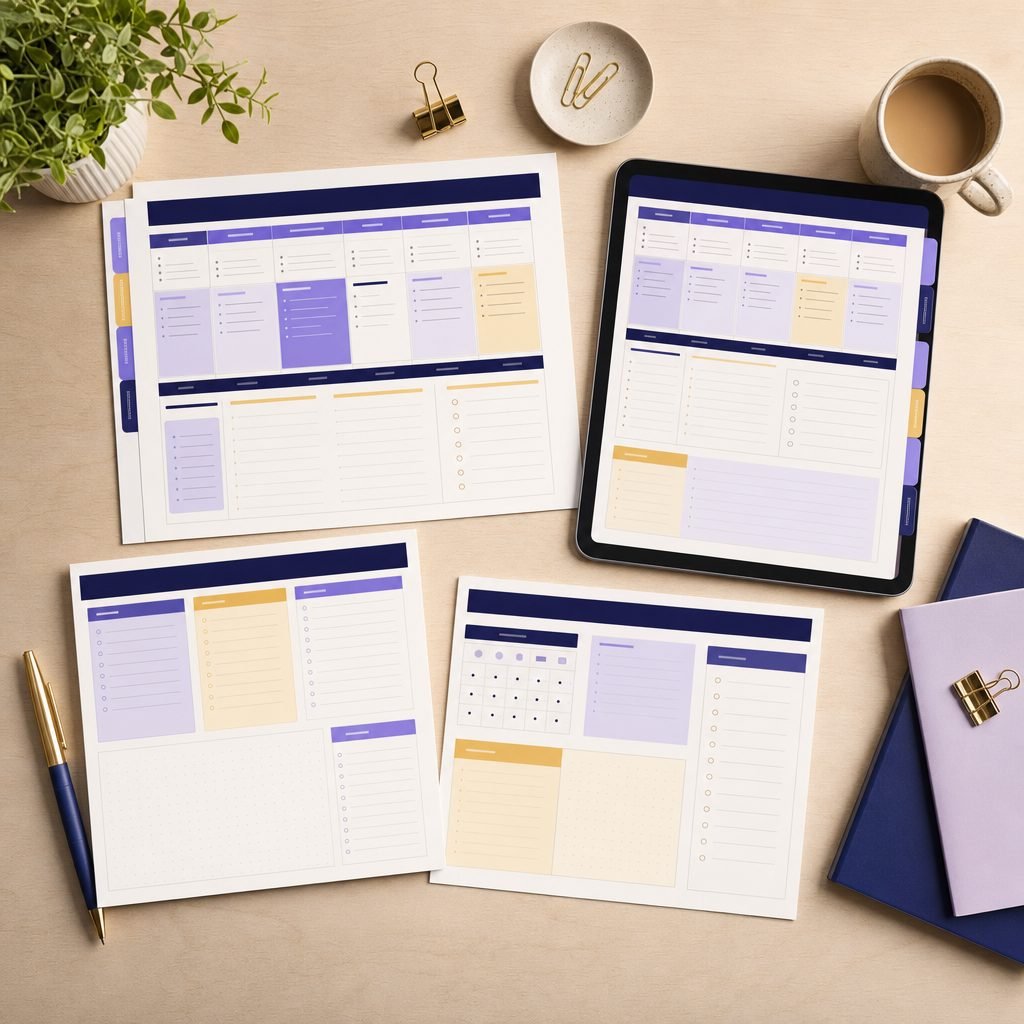
Teacher Planner
- Instant digital delivery by email
- Works on phone, tablet and computer
A whole school year of planning in one file. Print it, or use it on your tablet and write straight onto it with a pen.
Why this one
Built with teachers who are actually in a classroom. The grids have the room you really need to write, and the sections follow the rhythm of a school year rather than a calendar year.
What is inside
- Year, term and weekly planning spreads
- Monthly attendance register, up to 30 students
- Assessment grids by subject and by skill
- Weekly timetable, works across several classes
- Parent meeting notes and support plan pages
- 2026/27 calendar with school holidays already marked
- Blank pages: lined, squared and dotted
- Twelve cover and divider designs to colour in
Technical details
- Format: Printable A4 and US Letter PDF · hyperlinked PDF for tablets
- Pages: 146, with a clickable index
- Apps: GoodNotes, Notability, Noteshelf, Xodo
- Printing: Double-sided, suited to spiral binding
How you receive it
The download link appears as soon as your payment goes through, and it also arrives by email. No waiting, no shipping, nothing extra to pay.
Licence
Your purchase gives you a personal licence: use and print the product as often as you like, for yourself, your family or your class. You may not resell, give away or republish the files, not even edited versions.
Frequently asked
Does it work on an iPad?
Yes. The hyperlinked version has a clickable index and side tabs: open GoodNotes or Notability, import the PDF and write on it with the Apple Pencil.
Can I print a copy for every colleague?
The licence is personal: it covers you and your class, for as many copies as you like. For sharing across a staff room there is a school licence — write to us and we will send it over.
Are the dates already filled in?
The 2026/27 calendar is, holidays included. The weekly spreads are undated on purpose, so the planner still works in the years after.
Can I edit it?
The PDF is made to be printed or annotated, not rewritten. If you need to change the grid headings, the pack also includes an editable Canva version.
I teach several classes. Does that work?
The timetable is built for it: each block has room for a class code alongside the subject, and the register pages are per-group, so you print one set per class instead of squeezing everyone onto one grid.
Which holidays are marked?
The calendar marks the common school breaks and public holidays. Regional dates and your own school’s closures differ everywhere, so those pages are left open for you to fill in.